Run your socials from ChatGPT
Send the photos and videos you already have. Posts edits them into ready-to-post clips and schedules them across your accounts.
Works with your own photos and videos. Posts edits them, it doesn’t invent them.

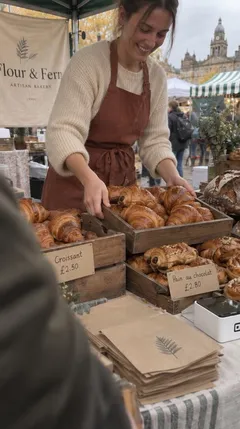
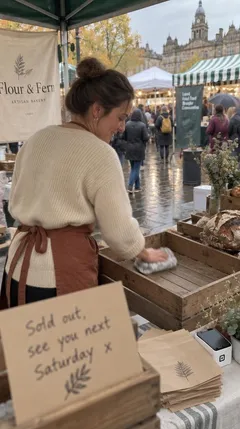


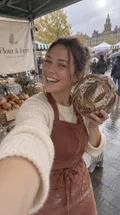
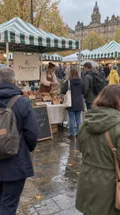
Your photos and videos, tidied up and scheduled for
- TikTok
- YouTube Shorts
- More on the way
Create and schedule
Text, image and video posts, across every account
See the whole week in one place. Move a post, swap the account or change a caption by asking.
- Tue · 8amInstagram
New autumn bakes, four ways. Which one first?
 @flourandfern
 - Thu · 6pmReel
Fresh off the stall. Saturday market, 7am to sold out.
@flourandfern - Fri · 12pmFacebook
We now bake for six cafés across Leeds. Want to be the seventh?
 Flour & Fern Wholesale
 - Sun · 5pmTikTok
Sold out by 11. Same time next week.
@flourandfern.leeds
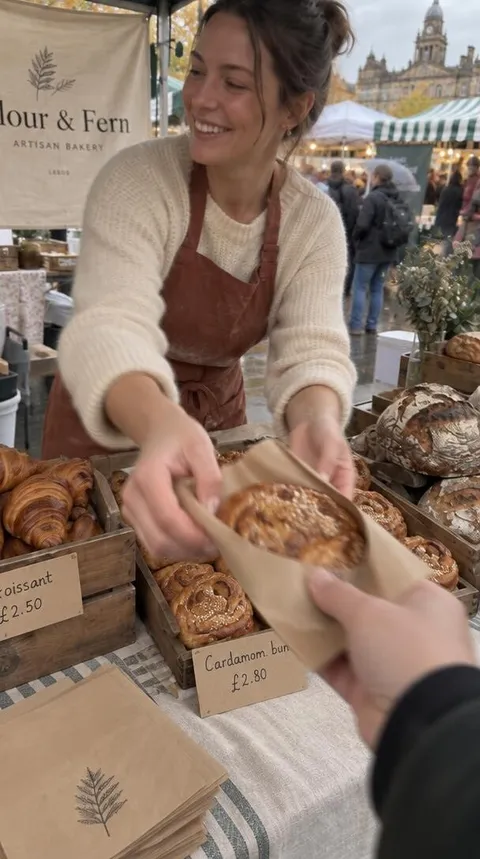
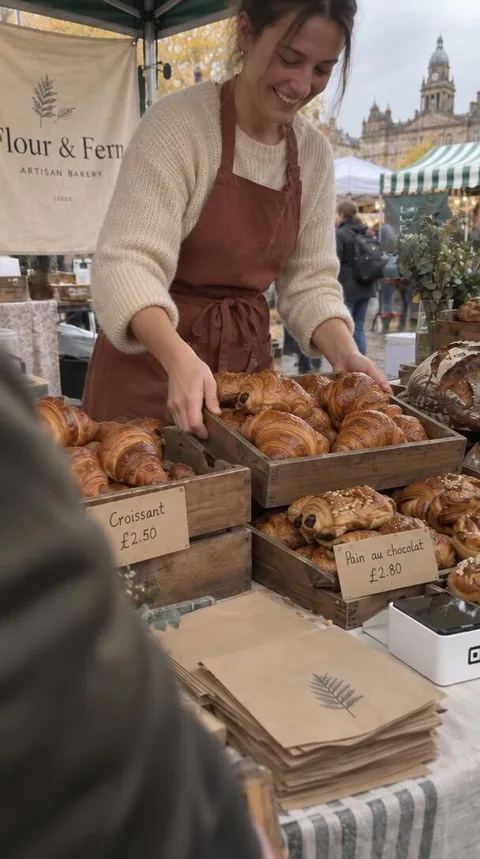
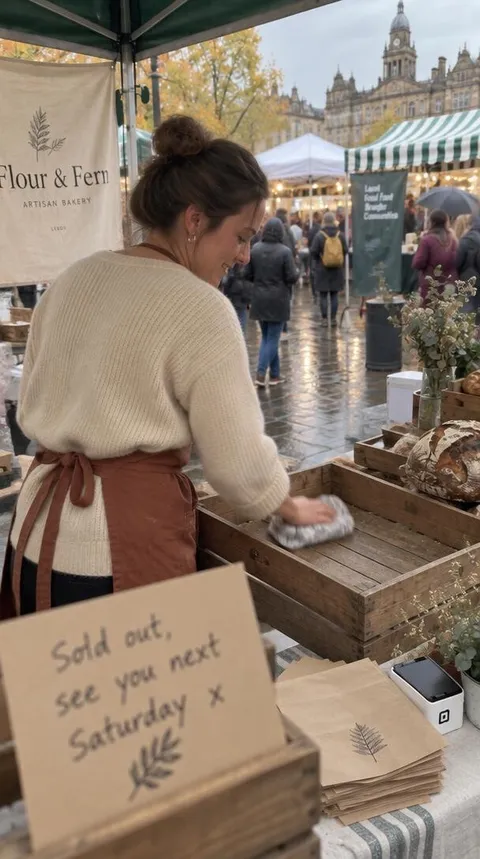
Edit video
Turn raw video into polished, ready‑to‑share posts
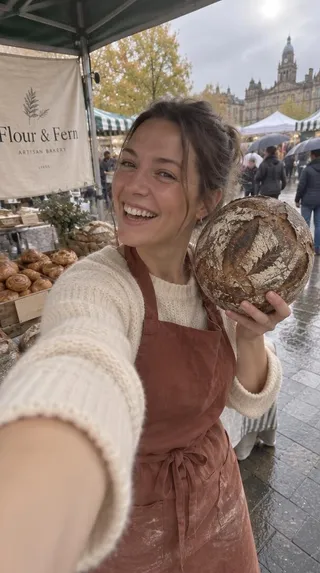
Send the whole clip, straight off your phone. Posts finds the good bits, cuts them to the right shape for each place and adds captions.
- Picks the best moments
- Crops for Reels, TikTok and Shorts
- Adds captions for watching with the sound off



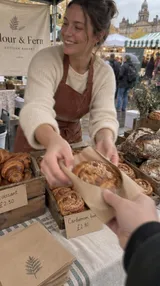
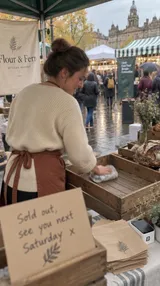
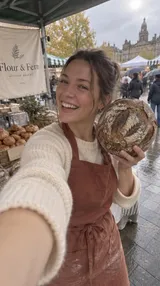
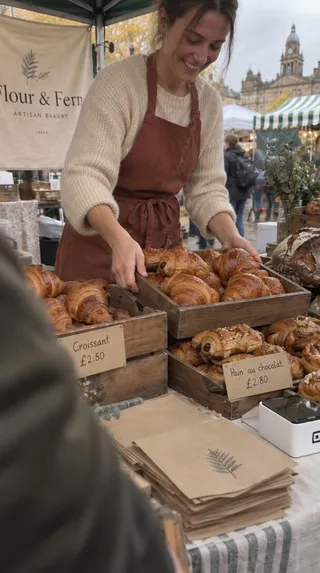
 @flourandfern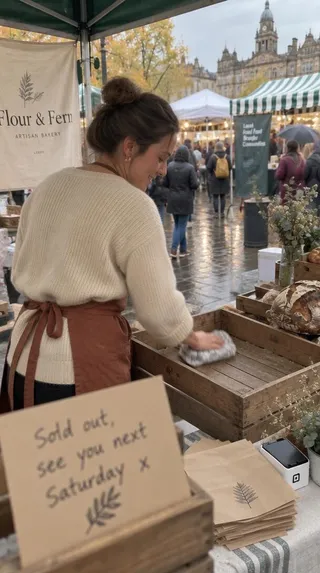
How it works
As easy as sending a message
Sign up and connect
Sign up with ChatGPT and add the accounts you post to. Takes about a minute.
Send photos and videos
Straight from your phone. Say what’s going on and roughly when.
Have a look, then schedule
Change anything you like. Nothing goes out until you say so.


Pricing
Simple pricing. First 7 days free
A brand is one account on each network.
Card needed to start. Cancel before day 7 and you won’t be charged.
Every plan includes
- Unlimited posts
- Instagram, TikTok, YouTube Shorts and Facebook
- Clips with captions, ready to post
- Scheduling, all from ChatGPT
- Change or cancel any time
A brand is one account on each network.
Questions
Fair questions
- Is this an AI image generator?
- No. Posts works from the photos and videos you send. It picks the best moments, crops them for each network, adds captions and schedules them. It doesn’t make up pictures or footage.
- Will it post without asking me?
- No. Every post waits until you schedule it, and you can change or cancel it right up until it goes out.
- Can I post to more than one account?
- Yes. Connect as many accounts as your plan allows and choose which ones each post goes to.
- What can it do with my video?
- It picks the best moments, crops them for each place and adds captions. You watch every clip before it’s scheduled.